Connecting to API Endpoints
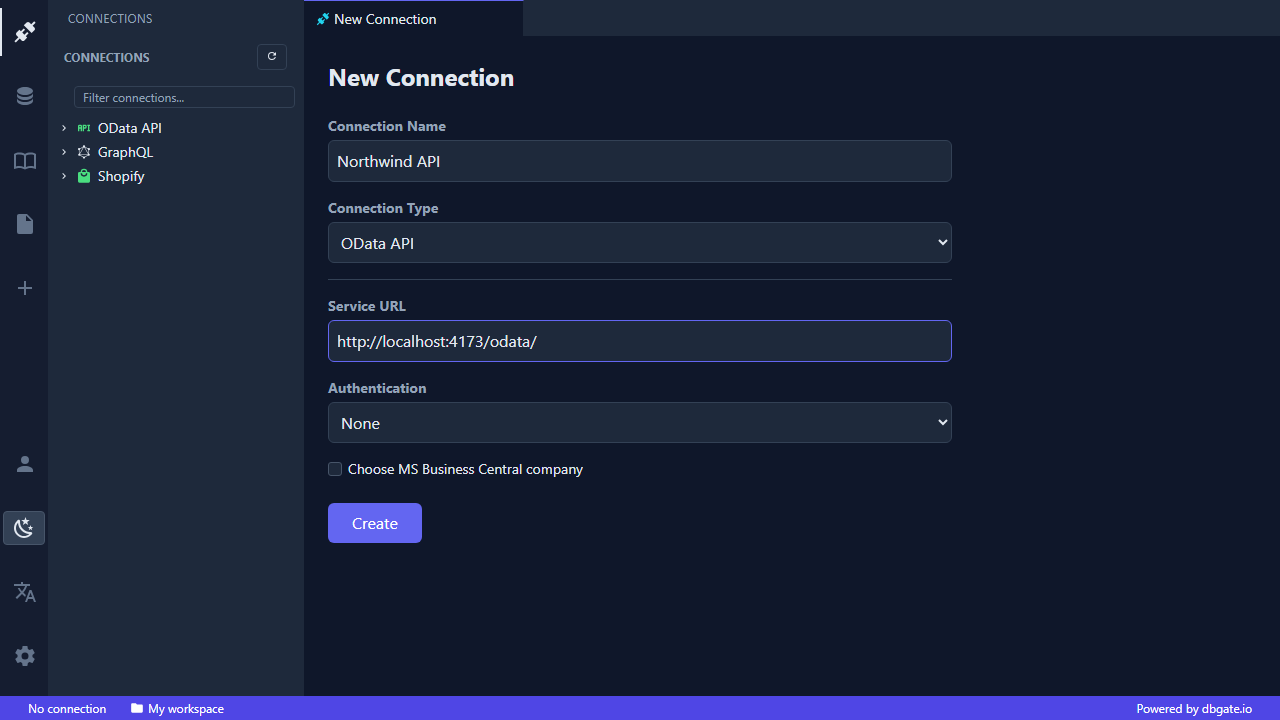
DbGate Central connects to three families of API endpoints, using the same New Connection dialog for all of them.
Supported endpoint types
- GraphQL - introspect the schema, browse types and run queries against any GraphQL API.
- oData - work with oData V4 services as if they were ordinary tables.
- Shopify - connect to your store through the Shopify Admin API and explore products, orders, customers, metafields and more.
Creating a connection
Open the New Connection dialog, pick the connection type, enter the service URL, and choose how to authenticate:
- None - for open, public endpoints.
- Basic - username and password.
- Bearer token - paste an access token.
- API key - send a key in a header or query parameter.
Connections are saved in your workspace, so they are there the next time you sign in, on any device, with nothing to set up locally.