Browsing and Editing Data
Work with oData services and other endpoints as if they were ordinary database tables - browse, edit, filter and sort results in a fast, spreadsheet-like grid, with no code required.
A powerful data grid
- Filter and sort any column to narrow large result sets in seconds.
- Edit inline and apply your changes back to the endpoint, with undo/redo while you work.
- See the shape of your data at a glance with the built-in column value histogram.
- Export results to CSV, JSON and Excel whenever you need the data elsewhere.
The grid is the same engine used across DbGate, so everything you learn here carries over to SQLite, DuckDB and BI reports.
Inspecting and editing JSON
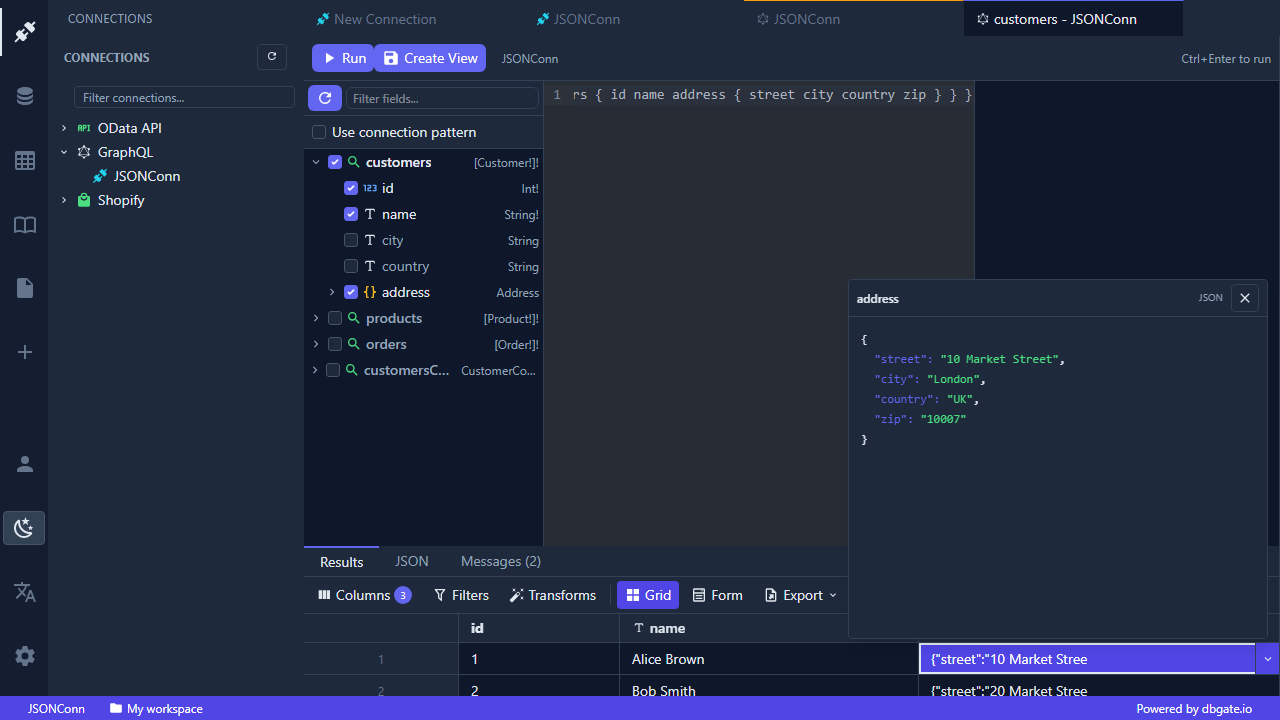
API responses are rarely flat. Open the cell dropdown on a nested JSON value to inspect a structured response, expand objects and arrays, and edit values with two-way editing that writes your changes back to the endpoint.